Quote:
|
Proudly Present Various Recovery again for Intex Aqua Sx |
Quote:
|
How to install CWM/COT/TWRP recovery in your device |
Quote:
|
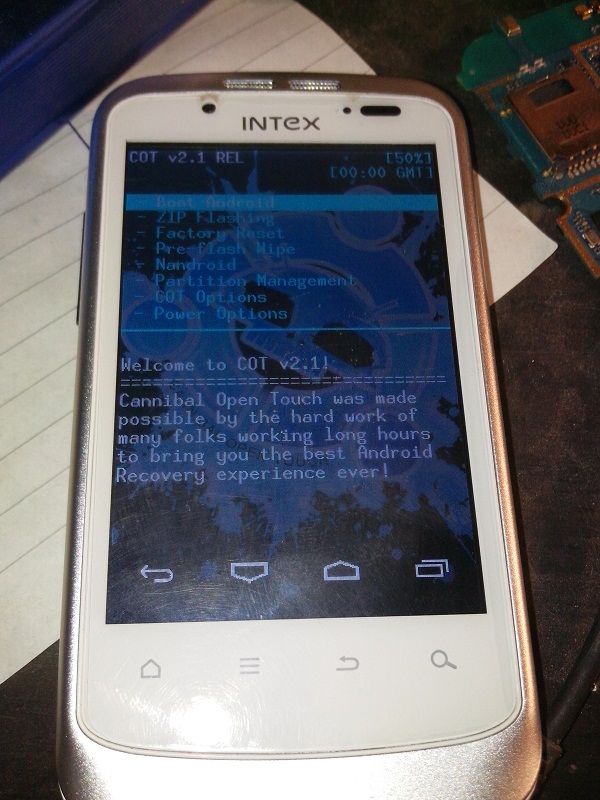
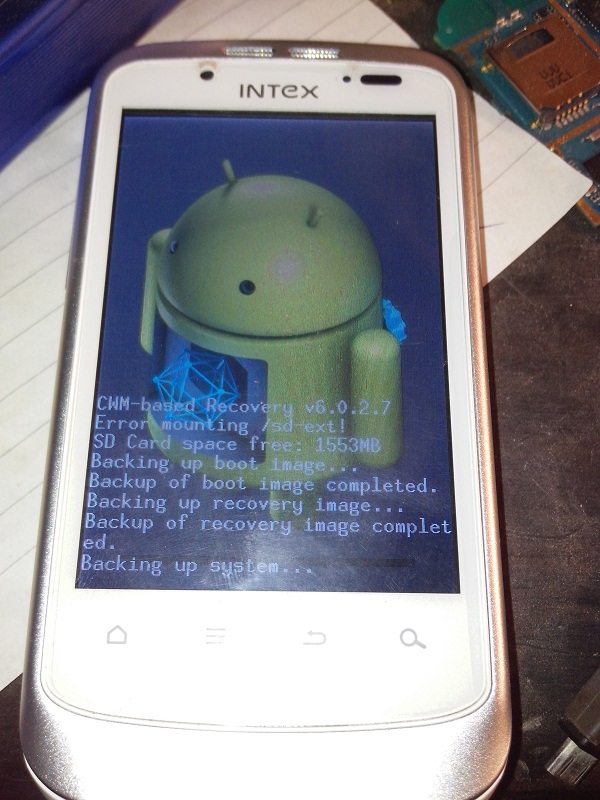
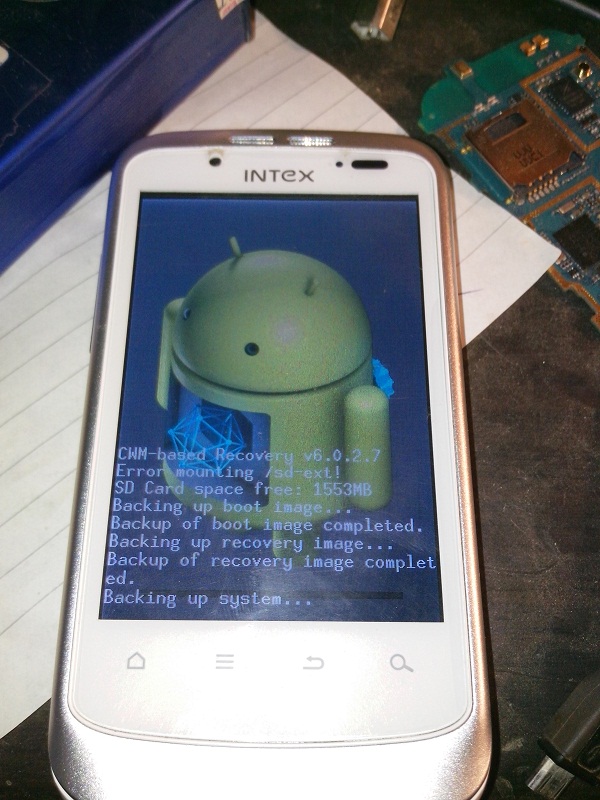
Screen Shots is Proof That recovery is working and tested |



Quote:
|
SP Flash Tool method, root not required |
Quote:
|
Make Note :- Posted Screenshots not for Intex Aqua Sx its only for an Examples |
1. Download MTK6575 Drivers.zip and unzip/extract on your Windows PC, just run InstallDriver.exe to install drivers.
Quote:
|
2. Download Your Choice from here COT/CWM/TWRP which u want in your devie COT Recovery v2.1 + scatter.zip TWRP Recovery v2.3.2.3 + scatter.zip CWM Recovery v6.0.2.7 + scatter.zip and SP_Flash_Tool_v3.1220.02_FOR_S101A.zip , unzip/extract them. |
4. Click on "Scatter-loading" button which is on the right side below Downloading Agent. A new window will open. Browse to the extracted CWM Recovery v6.0.1.5 + scatter folder and select MT6575_Android_scatter.txt file.
5. Flash tool will populate the Map file on the application window. You will see multiple entries. Uncheck all entries except for RECOVERY.
6. Now click on "Download". Warning message will occur, but ignore that and click Yes.
7. You will see in the status bar below "Searching", now connect your phone (with battery inserted + Press and Hold Volume Up Key) via the USB cable.
8. Wait for the process to finish and then you will get a window showing green circle.
Quote:
|
Some SS Tutorials for how to flash CWMR using SP Flash Tools |
Quote:
|
Check here all steps    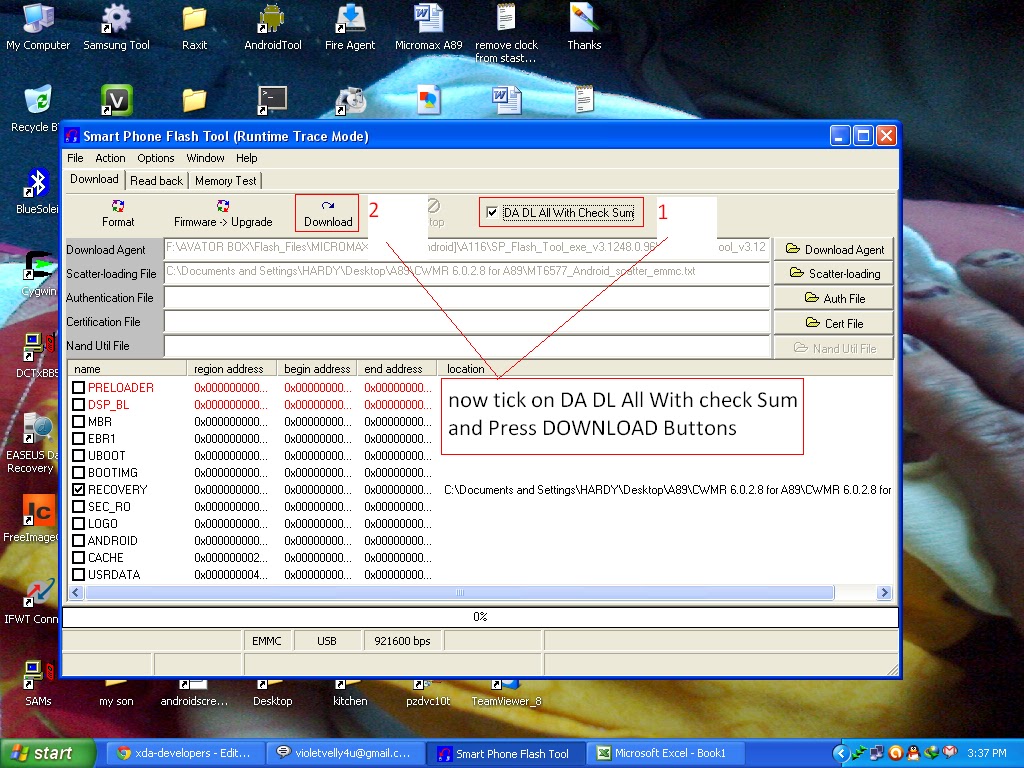 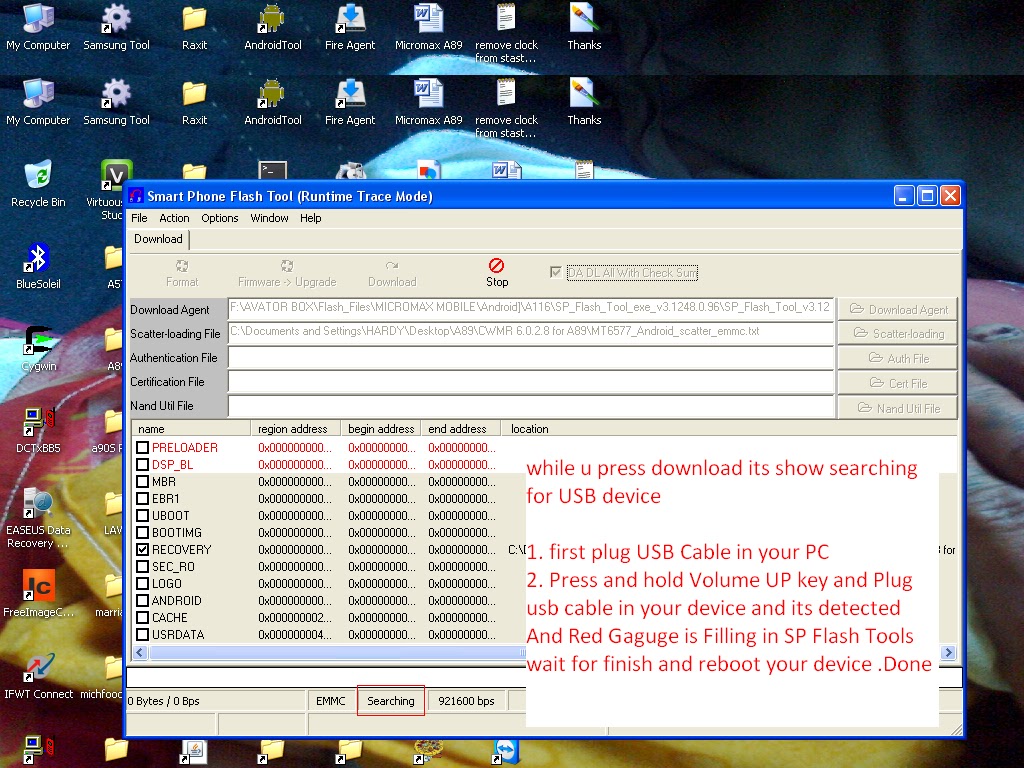 |
Congrats You have flashed Latest Recovery in your Device !
Note: If you get any error in SP Flash Tool, then recheck your MTK drivers installation or manually install them through device manager.
Booting into CWM recovery is the same as in the stock recovery. Switch on the phone with "Volume Up" and "Power" button Pressed. The Phone will boot into CWM!
I have also attached the the Stock Recovery.zip.
Quote:
|
Credit : -
 if you can if you can
|